
Digital Invoice Storage: Tips for Organization & Management
Stacks of paper invoices can take over an entire desk, yet finding the one you need always feels impossible. What if every invoice you've ever received was instantly searchable and never got lost in the shuffle?That's the promise of digital invoice storage. With just a few clicks, you can organize, protect, and access every document for your business. No more clutter, no more missing paperwork. Let's explore how in this article.

Main Takeaways:
- Digital invoice storage helps you organize, search, and access invoices quickly while reducing paper clutter and protecting records from loss or damage
- Cloud-based platforms and dedicated tools like Receipt Vault offer secure, searchable, and accessible storage from any device.
- Creating a system for capturing and organizing that makes finding invoices effortless and keeps your workflow smooth
- Prioritizing security measures, regular backups, and clear retention policies ensures your financial data stays safe and compliant
- Regularly maintaining and updating your digital invoice system helps prevent issues and keeps your records accurate and easy to manage
What Is Digital Invoice Storage?
Digital invoice storage is the electronic effort of saving, organizing, and accessing invoices rather than keeping paper documents. This method lets you quickly retrieve invoices when needed while keeping them secure and reducing physical clutter.
When you store invoices digitally, you create a searchable database of your financial records. This makes finding specific transactions simple, whether for tax purposes, returns, or expense tracking.
Digital storage includes various formats such as PDFs, scanned images, or data entries in specialized platforms. Many businesses use dedicated storage solutions to manage their financial documents efficiently.
Did You Know? The IRS accepts digital copies of invoices for tax purposes, as long as they're legible and contain all the original information. (IRS, 2025).
Why Traditional Invoice Storage Falls Short

Paper invoices create significant organizational challenges. They're easily misplaced, especially when volume increases, and searching for specific documents can waste valuable time.
Space & Organization Issues
Storing invoices in filing cabinets, boxes, or binders may seem manageable at first, but the paperwork piles up quickly. As volume grows, sorting and retrieving invoices becomes a time-consuming task that disrupts efficiency. Even small misfiling errors can cause delays and unnecessary stress during audits or tax prep. A cluttered system ultimately limits productivity and creates frustration.
Risk of Damage or Loss
Paper invoices are fragile by nature, leaving them vulnerable to fire, water damage, theft, and everyday wear and tear. Once a physical copy is destroyed, it's nearly impossible to replace, especially for older transactions. Businesses relying solely on paper risk losing critical financial documentation. Without proper backups, these losses can have long-term financial and compliance consequences.
Time-Consuming Processes
Manual filing and searching take hours that could be better spent on core business tasks. Every time staff members dig through stacks of folders or boxes to find an invoice, valuable productivity is lost. During audits or returns, this inefficiency compounds, creating stressful bottlenecks. A manual process inevitably leads to wasted time and missed opportunities.
Limited Accessibility
Invoices stored in a single office or filing cabinet can only be accessed on-site. This lack of flexibility creates bottlenecks when multiple people need the same records. Remote employees or traveling business owners are left without access, slowing down approvals and decision-making.
Compliance & Audit Risks
Tax authorities and auditors require clear, complete records. Missing or incomplete invoice documentation can lead to compliance issues, penalties, or rejected claims. Paper systems make it harder to maintain accurate audit trails, since files can be misplaced or altered without detection. This creates unnecessary risk for businesses of all sizes.
Environmental Concerns
Relying on paper-based invoice storage adds to waste and resource consumption. Paper, ink, and physical storage supplies increase costs while contributing to environmental impact. As more organizations adopt sustainability goals, manual filing systems feel outdated. Moving away from paper aligns with greener practices while reducing clutter and long-term expenses.
Did You Know: A 2023 life-cycle assessment found that switching from paper to electronic billing for just one million invoices can avoid nearly 19 metric tons of CO₂ emissions. Doing this across all your invoices adds up. (NIH, 2023).
Benefits of Digital Invoice Storage
Digital invoice storage offers immediate accessibility from anywhere. You can retrieve documents while traveling, working remotely, or meeting with clients.
Security improves dramatically with digital systems. Most platforms use encryption and password protection to keep sensitive financial information safe from unauthorized access.
Searchability transforms how you interact with your records. Instead of manual sorting, you can instantly find invoices by date, vendor name, amount, or custom tags.
Key benefits include:
- Lower costs: Reduce expenses for paper, printing, and physical storage
- Better compliance: Meet legal retention requirements more easily
- Environmental impact: Decrease paper usage and support sustainability goals
- Less clutter: Eliminate stacks of paperwork and create a cleaner, more organized workspace.
Additionally, integration with other business systems becomes possible. Digital invoices can connect with accounting software, payment platforms, and tax preparation tools for a streamlined workflow.
Explore Smart Features For Digital Storage
Digital invoice storage isn't just about scanning; it's about automation, security, and easy access. See how Receipt Vault's features make organizing your invoices effortless.
Discover Receipt Vault Features
Digital Storage Options for Invoices

From cloud platforms to dedicated apps, today's digital tools offer flexible ways to store, organize, and access invoices without the limitations of paper.
Cloud-Based Platforms
Cloud storage services provide secure online spaces for your invoices. These platforms typically offer features like automatic backups, file sharing, and access from multiple devices.
Popular options include specialized receipt management tools that focus specifically on receipt transaction documentation. Receipt Vault, for example, offers dedicated storage features with smart categorization and search capabilities.
The main advantage of cloud solutions is their accessibility. Your invoices remain available wherever you have internet access, making them ideal for mobile professionals and remote teams.
Additionally, email integration makes life even easier for digital receipts. Instead of manually uploading attachments or sorting messages, connected platforms automatically pull invoice data from your inbox and store it in organized folders. This ensures every emailed receipt is instantly accessible, searchable, and stored alongside your other financial records — no extra effort required.
Accounting Software With Storage Features
Many accounting programs include built-in document storage. These systems automatically attach invoices to the corresponding transactions in your books.
This integration creates a direct link between financial records and supporting documentation. When reviewing transactions, you can immediately access the relevant invoice with a single click.
While convenient, these solutions may have storage limitations or lack advanced organization features found in dedicated platforms.
Document Management Systems (DMS)
Document management systems are enterprise-level solutions designed to handle a wide range of documents, including invoices. They provide advanced features such as permissions, version control, and compliance monitoring.
While effective for large organizations with strict regulatory needs, these platforms are often too complex and costly for freelancers, individuals, or smaller teams.
Email-Based Storage

Many invoices arrive digitally by email, making inboxes a natural starting point for storage. Platforms like Receipt Vault simplify this process by automatically identifying and organizing invoice attachments as they arrive. Instead of digging through cluttered inboxes or manually forwarding receipts, invoices are captured, categorized, and stored in one secure location—ready to search and reference whenever you need them.
While this method provides some structure, inboxes quickly become cluttered, and important documents may get overlooked. Pairing email storage with a dedicated tool helps cut through the noise and ensures nothing is missed.
Hybrid Models (Scan + Digital Archive)
Hybrid approaches combine paper and digital processes, making them useful for businesses in transition. Paper invoices can be scanned with mobile apps or desktop scanners and then converted into PDFs for storage in cloud folders or specialized apps. This method creates a single archive but still requires consistent habits to stay organized.
Tools like Receipt Vault simplify the process by allowing users to snap a photo of a paper invoice and store it alongside digital records.
Find The Right Solution For Your Workflow
From cloud storage to dedicated apps, the best choice is one that fits your needs. Receipt Vault combines the simplicity of scanning with the power of automation and secure cloud access.
Learn More About Receipt Vault Features
How to Implement Digital Invoice Storage
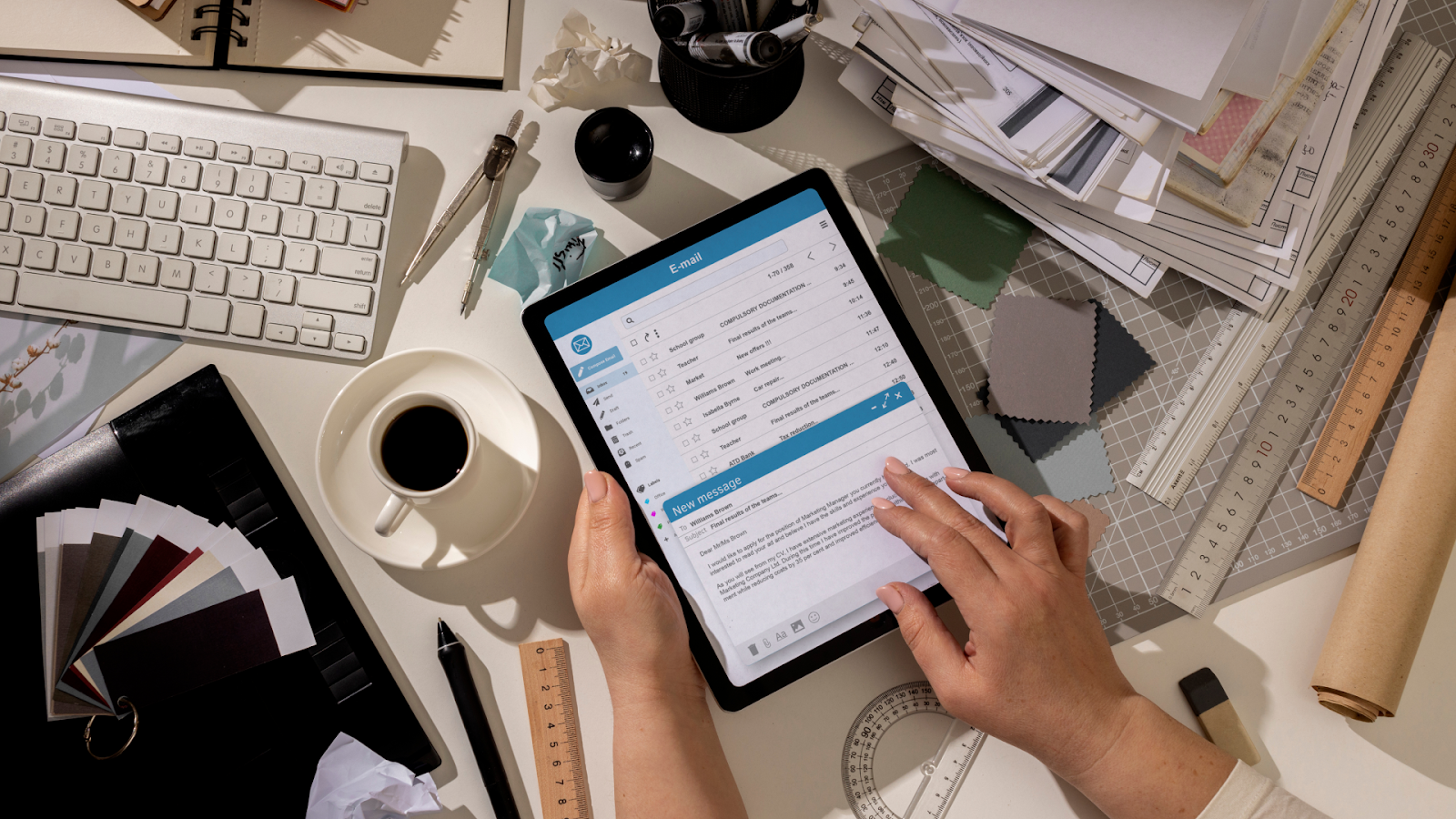
Putting a digital system in place is straightforward when you break it into simple steps that cover setup, organization, capture, and security.
1. Choose Your Platform
Select a storage solution that matches your needs and budget. Consider factors like ease of use, security features, and integration capabilities with your existing systems.
For individuals and small businesses, user-friendly platforms like Receipt Vault offer the right balance of functionality without overwhelming complexity. Larger organizations might need enterprise-level document management systems.
2. Connect Your Capture Channels
Establishing a consistent process for capturing invoices saves hours of manual work and keeps your records organized from the start.
- Email integration: Automatically pull invoice attachments from your inbox into your storage system—no downloading or sorting required.
- Mobile scanning: Use your phone to snap and upload paper invoices instantly.
- Regular process: Scan daily or batch weekly to keep records current, prevent backlogs, and save time.
The key is making capture quick and simple enough that it becomes a natural part of your workflow. Receipt Vault's Gmail integration, for example, automatically pulls invoices from your inbox without manual intervention.
3. Create Your Folder Structure and Naming System
Set up a logical structure of digital folders or tags that make sense for your business. Common approaches include organizing by:
- Date (year/month)
- Vendor name
- Project or department
- Expense category
Consistent naming conventions make searching more effective. Consider including key information like date, vendor, and amount in each filename. Be sure to follow the same naming conventions with all receipts in your digital platform as well.
4. Set Permissions & Access Controls
Protect your financial data with appropriate security controls. At a minimum, use strong passwords and enable two-factor authentication where available.
For sensitive information, look for platforms that offer encryption both during transmission and storage. Set appropriate access permissions so team members can only view documents relevant to their roles.
Regular backups provide additional protection against data loss. Most cloud platforms handle this automatically, but confirm your provider's backup policies.
5. Set Up Backups & Recovery
Create clear guidelines for how long you'll keep different types of invoices. Most tax authorities recommend retaining financial records for at least seven years, according to IRS guidelines.
Your digital storage system should make it easy to identify, archive, and back up older invoices without deleting them. Built-in tools such as cloud backups and version history protect records while keeping your active folders organized.
For people who still keep physical copies or are getting up to speed with a digital platform, using a tool like Receipt Vault simplifies the process. It automatically stores, encrypts, and backs up your invoices in the cloud—removing the need for manual filing or separate backup drives. Everything stays secure, compliant, and easy to retrieve from any device.
6. Establish a Processing Cadence
Consistency is key to staying organized. Some teams prefer immediate processing—capturing and categorizing invoices on the spot—while others batch tasks weekly.
Setting calendar reminders helps make the process a habit. Even dedicating 15 minutes every Friday can prevent backlogs and keep records current.
7. Apply Quality Control at Capture
Accuracy starts when invoices are first captured. Scan on a flat surface with good lighting to avoid unclear images. Always confirm vendor, date, and amount before filing, and add any missing tags. These small steps reduce errors and prevent tax-time headaches.
8. Integrate With Your Accounting Workflow
Digital storage should connect seamlessly with your accounting system. Sync approved invoices, map vendors and categories once, and enable one-click exports for your accountant. This reduces duplicate work and eliminates the need to re-key information. Integration creates a smoother, more accurate financial workflow.
9. Use Analytics & Reporting
Go beyond digital storage by turning your invoice data into insights. With Receipt Vault, you can track vendor spend, project budgets, and recurring costs over time. Sort invoices by category, vendor, date, or amount to quickly spot trends or duplicate charges. Built-in dashboards make it easy to visualize spending and identify savings opportunities. Regular digital reviews help strengthen financial visibility and support smarter decisions.
10. Drive Team Adoption & Change Management
Even the best digital system only works if everyone uses it consistently. Start by familiarizing your team with a trial version so they can see how easy it is to capture and organize invoices.
Use the platform’s shared folders, tags, and automated categorization to standardize training and filing habits. Provide a simple “How We File Invoices” checklist to keep processes consistent. Emphasize the time saved and reduced stress that come from having one organized, digital system.
11. Meet Retention & Audit Requirements
Invoices need to be stored for a set period, often six to seven years, depending on jurisdiction. Maintain audit logs and document your workflow so records are reliable and defensible. By treating compliance as peace of mind rather than just an obligation, you can strengthen trust with regulators, auditors, and clients alike.
Start Organizing Your Invoices Today
Don't let another paper pile slow you down. Try Receipt Vault and see how easy it is to capture, categorize, and secure your invoices from anywhere.
Simplify Invoice Storage with Receipt Vault
Managing invoices doesn't have to be stressful or complicated.
Receipt Vault gives you one place to capture, organize, and find every invoice in seconds—whether it comes in by email or paper. Snap a photo with your phone, and the system automatically pulls out the key details and files it where it belongs. No more digging through folders or renaming endless PDFs.
Invoices stay safe in the cloud and are always within reach, whether you're at your desk, on the road, or working with your accountant. With built-in organization tools like auto-tagging and smart categories, your system practically runs itself.
Receipt Vault's organization tools help you maintain a clean, efficient system with minimal effort. Start Your Free Trial now!
Related Articles
Start Now – It's Free
Join thousands of users who’ve eliminated receipt clutter and gained complete control over their spending.
Sign up in less than 60 seconds.